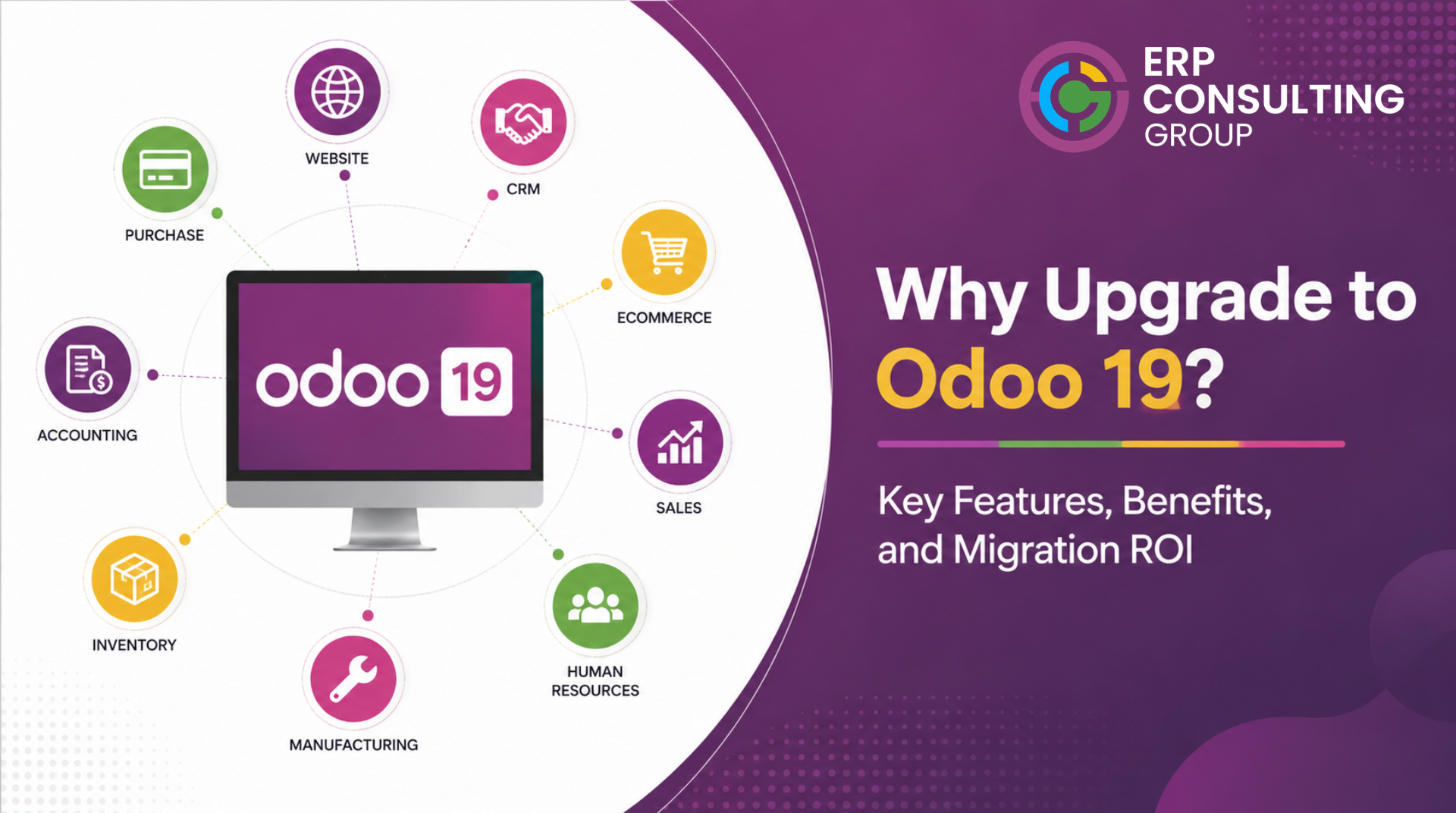
The Upgrade Decision Is a Business Decision, Not a Technical One
Every business running an older Odoo version faces the same question at some point: is the disruption of upgrading worth what we get in return? The answer depends entirely on what has changed in the newer version and how those changes affect your specific business.
This article covers what Odoo 19 actually changed - not a feature list, but an honest evaluation of which changes matter, for which businesses, and how to think about the ROI of making the move.
What Changed in Odoo 19
Across the platform
- Spreadsheet integration: Odoo 19 significantly extended the built-in spreadsheet functionality, allowing businesses to build financial models and reports directly from Odoo data without exporting to Excel. For businesses that currently maintain parallel spreadsheets alongside Odoo, this removes a significant manual process.
- AI-assisted actions: Odoo 19 introduced AI-powered suggestions across several modules - email composition in CRM, purchase price suggestions based on historical data, and automatic categorisation in accounting. The usefulness of these features varies significantly by business type and data quality.
- Mobile interface: The mobile experience was substantially improved in 19, with more consistent behaviour across modules and better offline capability for field teams.
- Performance improvements: The Odoo 19 ORM layer includes query optimisation improvements that are relevant for businesses with large datasets - particularly those with more than 500,000 records in high-volume models.
In manufacturing
- Scheduling improvements: The manufacturing scheduler in Odoo 19 handles capacity constraints more accurately than previous versions. Businesses with multiple work centres and complex routing will see more reliable scheduling outputs.
- Work centre OEE dashboard: Overall equipment effectiveness tracking was improved with a dedicated dashboard view. This is relevant for manufacturers who track machine utilisation.
- BoM versioning: Bills of materials now support formal versioning, allowing businesses to track BoM changes over time without overwriting the original. This is significant for businesses with regulatory or quality requirements around production documentation.
In accounting
- Bank reconciliation: The reconciliation interface in Odoo 19 was redesigned to handle higher volumes more efficiently and to surface AI-suggested matches more prominently. Businesses with high transaction volumes will see meaningful time savings.
- Analytic accounting: Analytic account handling was simplified in Odoo 19, removing some of the complexity that made analytic accounting difficult to use in earlier versions.
- Tax report localisation: Country-specific tax reports were updated and extended in Odoo 19. If your business operates in a jurisdiction where local tax reporting is important, verify whether your country's report is included or updated in Odoo 19.
In sales and CRM
- Quotation builder: The quotation interface was redesigned in Odoo 19, with better support for product configurators and pricing rules. Businesses with complex pricing structures will find the new interface more capable.
- CRM pipeline: Lead scoring and pipeline stage automation were improved, allowing more sophisticated workflow rules without custom development.
Which Businesses Benefit Most from Odoo 19
Not every feature in Odoo 19 matters equally to every business. The upgrade ROI depends on which improvements overlap with your actual operations.
Business Type | Most Relevant Odoo 19 Changes | Upgrade Priority |
Manufacturing | Scheduling improvements, BoM versioning, OEE dashboard | High |
High-volume trading / distribution | Performance improvements, bank reconciliation, spreadsheet integration | High |
Service businesses | Mobile interface, CRM pipeline improvements, AI-assisted email | Medium |
Small businesses on older versions (14 or 15) | All of the above large feature gap accumulated | High |
Businesses already on Odoo 17 | Incremental improvements evaluate against migration cost | Low to Medium |
Businesses with heavy customisation | Depends on whether customisations need to be rebuilt | Evaluate per module |
How to Calculate Migration ROI
A migration ROI calculation needs to account for costs on both sides the cost of migrating and the cost of not migrating.
Cost of migrating
- Migration project cost: discovery, data preparation, module work, testing, go-live support
- Internal team time during UAT and go-live
- Any downtime or reduced productivity during the stabilisation period
- Training cost for new features and changed interfaces
Cost of not migrating
- Ongoing cost of workarounds for features available in newer versions but not in yours
- Cost of third-party modules filling gaps that newer versions address natively
- Security exposure - older Odoo versions reach end-of-life and stop receiving security patches
- Increasing technical debt in custom modules that are maintained against an older framework
- Future migration cost - the longer you wait, the larger the version gap and the higher the migration scope
A simplified framework for the calculation
Estimate the annual cost of your current workarounds, third-party modules, and development maintenance. Multiply by three (your planning horizon). Compare that to your estimated migration cost. If migration cost is less than 60 to 70 percent of three years of status-quo cost, the migration ROI is clearly positive.
For most businesses on Odoo 14 or 15, this calculation favours migration. The feature gap is wide enough that the cost of continuing as-is, in workarounds, third-party licensing, and development maintenance - exceeds the migration investment within 18 to 24 months.
The timing factor: Every year you wait on an older version, your migration scope grows. Custom modules accumulate. The schema gap widens. Third-party modules add dependencies. The migration you do in year three is more expensive than the one you could have done in year one.
Common Reasons Businesses Delay the Upgrade and Whether They Hold Up
- Our custom modules will break True, they will need to be updated. But the cost of updating is known and one-time. The cost of maintaining custom modules against an increasingly old framework is ongoing and grows each year.
- We can't afford the downtime A well-planned migration to Odoo 19 should involve minimal unplanned downtime. The cut-over window is typically a weekend. The risk is not the migration itself; it is a poorly planned migration.
- The current version works fine It works for what you are doing now. The question is what it is costing you not to do the reports you are running in spreadsheets because the older version does not have them, the workflows that require manual steps because automation is not available in your version.
- We'll wait for the next version This logic applies indefinitely. Odoo releases a major version roughly every year. If you are waiting for a stable version, Odoo 19 is stable. If you are waiting for the 'right time,' no migration project has a right time it has a planned time.
Before You Start: What You Need to Know
If you have decided to migrate to Odoo 19, there are two practical resources to work through before starting.
Understand the full migration process so you can plan accurately: How Odoo Migration Works: A Step-by-Step Guide
Work through the Odoo 19-specific checklist to ensure nothing is missed: Odoo 19 Migration Checklist: Best Practices for a Risk-Free Upgrade
If you are in manufacturing and evaluating the upgrade specifically for manufacturing improvements:
Odoo Migration for Manufacturing Companies: Challenges, Risks, and How to Get It Right
Ready to Evaluate Your Odoo 19 Upgrade?
ERP Consulting Group can run a gap analysis between your current version and Odoo 19, give you a realistic migration cost, and help you make the decision with confidence erpconsulting24.com/contact

 Recent Posts


 Free Consultation