How to Use This Checklist
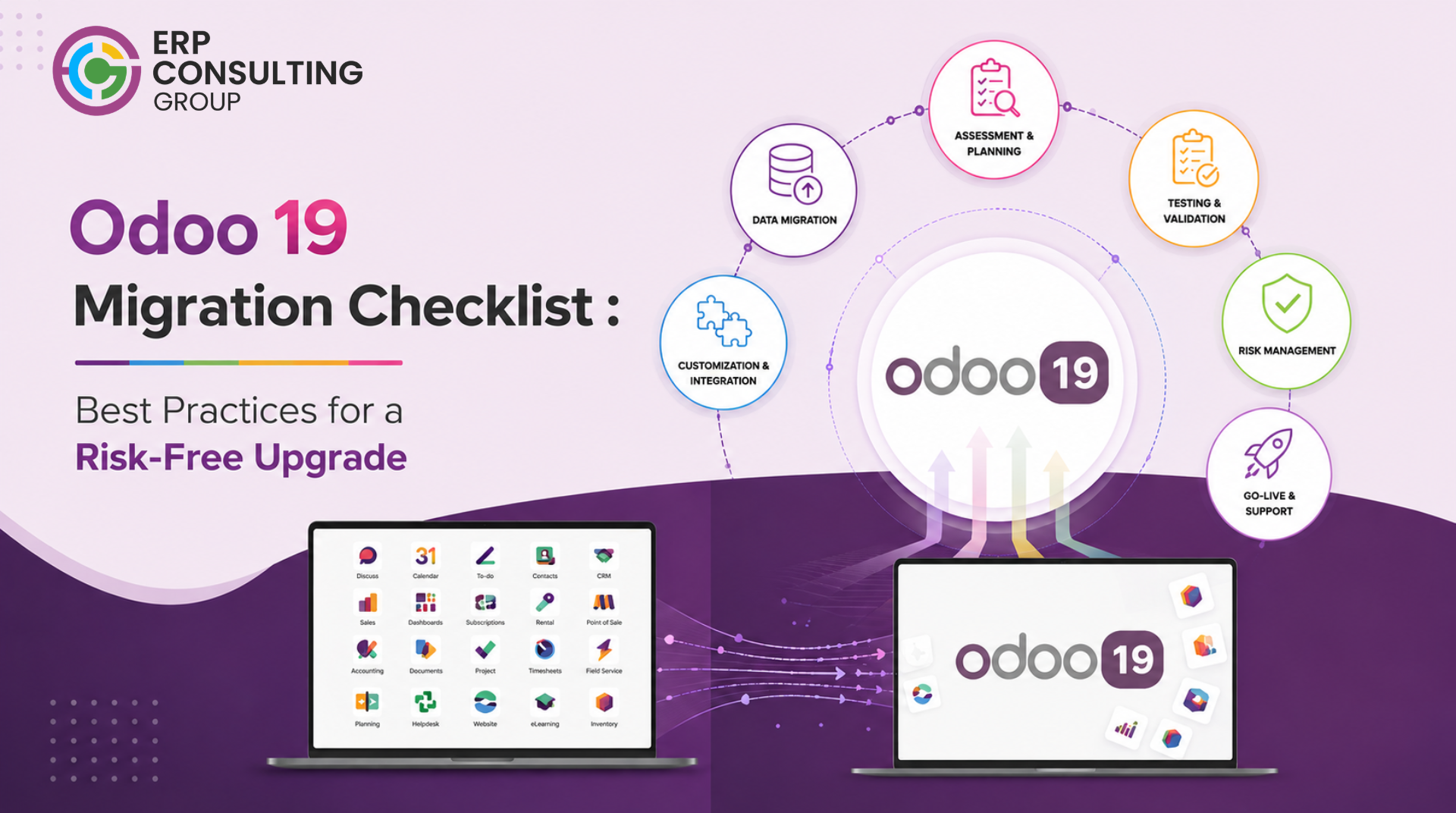
This checklist is structured around the actual phases of an Odoo 19 migration - from pre-migration discovery through post-go-live stabilisation. Each item is a decision or action that needs a responsible owner and a completion date before the next phase begins.
If you have not already read through how Odoo migration works as a process, the checklist will be more useful after that context. Each item here maps to a phase described in detail elsewhere in this series.
Full migration process explained in: How Odoo Migration Works - A Step-by-Step Guide.
Pre-Migration: Discovery and Planning
1. Current system audit
- Document your current Odoo version and edition (Community or Enterprise)
- List every installed module - standard, custom, and third-party
- Record database size and record counts for: customers, vendors, products, sales orders, purchase orders, invoices, inventory moves, journal entries
- Identify every external integration: what system, what method (API, webhook, direct DB), and who owns it
- Document the five to ten workflows that cannot break on go-live
- Identify who in the business is responsible for UAT in each department
2. Version and edition decision
- Confirm the target version is Odoo 19
- Confirm whether you are migrating Community to Enterprise or staying on the same edition
- If switching to Enterprise: list the Enterprise modules you plan to activate and confirm your current workflows map to them
- Confirm hosting: Odoo.sh, self-managed VPS, or cloud provider
- Confirm your Odoo 19 licence and user count with Odoo SA or your partner
3. Scope definition
- Categorise every custom module: migrate, refactor, rebuild, or retire
- Categorise every third-party module: available for Odoo 19, find alternative, or retire
- Confirm which integrations need to be updated for Odoo 19 API changes
- Identify data cleaning work required before migration begins
- Document the go-live date and confirm it avoids month-end, quarter-end, and peak business periods
- Define the rollback trigger conditions under what circumstances will you revert to the old system
Pre-Migration: Data and Environment
4. Data cleaning
- Run a duplicate customer and vendor report - resolve or merge duplicates before migration
- Audit product records: every product should have a category, unit of measure, and cost method
- Check for open orders referencing deleted or archived products - resolve before migration
- Validate accounting data: check for unbalanced journal entries, missing partner links on payables and receivables
- For manufacturing businesses: audit all BoMs - every component should be active, and units of measure should be consistent
- For lot/serial tracked businesses: verify that every lot and serial number has a product assignment and a current location
5. Odoo 19 environment setup
- Provision the staging server with the same or better specs as production
- Install Odoo 19 in the staging environment
- Install all required standard and Enterprise modules
- Configure localisation: country, language, chart of accounts, tax configuration
- Set up test user accounts for each department that will run UAT
Migration Execution
6. First staging migration run
- Export the current production database
- Run migration scripts to transform the database schema from the current version to Odoo 19
- Import migrated data into the staging environment
- Run the Odoo 19 migration tool and review all warnings and errors
- Log every error: the affected model, the record count, and the cause
- Do not proceed to module installation until all critical data errors are resolved
7. Module installation and validation
- Install refactored and rebuilt custom modules
- For each module, run the module's own test suite if one exists
- Verify that module-specific data (configuration records, default values) migrated correctly
- Check that all external integration configurations are present and pointing to the correct endpoints
8. Data validation
- Compare record counts: customers, vendors, products, open orders, invoices new system should match old system
- Reconcile financial totals: accounts receivable and payable balances should match between old and new systems
- For inventory businesses: compare stock quantities per location between old and new systems
- For manufacturing businesses: verify BoM count and component counts match
- Run a sample traceability report on a lot-tracked product to confirm movement history is accessible
- Run the second and third staging migration runs after fixing errors - repeat until the migration completes with no critical errors
Testing
9. Integration testing
- Test the full sales cycle: quotation → order → delivery → invoice → payment
- Test the full purchase cycle: RFQ → PO → receipt → vendor bill → payment
- Test inventory: stock receipt, internal transfer, outgoing delivery, adjustment
- Test accounting: journal entry, bank import, reconciliation, tax report
- For manufacturing: test the full production cycle - BoM selection, work order creation, component consumption, production completion
- Test every external integration under realistic transaction volume
- Test all custom modules against their original functional specification
10. User acceptance testing
- Distribute UAT scripts to department leads - one script per department
- Set UAT start date, end date, and issue submission deadline
- Collect and triage all reported issues: critical (blocks UAT), major (workaround exists), minor (cosmetic or low impact)
- Fix all critical and major issues before UAT sign-off
- Obtain written sign-off from each department head
- Confirm no critical or major open issues remain before scheduling go-live
Go-Live
11. Cut-over preparation
- Communicate go-live date and freeze schedule to all users at least two weeks in advance
- Confirm the old system freeze time with all departments
- Run a final data export from the old system the day before go-live
- Run the delta migration: capture any transactions entered since the last staging run
- Validate the delta in staging before going live
- Confirm rollback procedure is tested and documented
12. Go-live execution
- Execute go-live on the confirmed date - Monday morning preferred
- Switch user access to the new system
- Confirm all department leads can log in and access their primary workflows
- Have technical support available for the full first business day
- Monitor system performance throughout the first day under real production load
- Archive the old system - do not decommission it for at least 30 days after go-live
Post Go-Live
13. Stabilisation - first 30 days
- Run daily check-ins with department leads during the first week
- Track all issues reported post-go-live in a central log
- Fix critical issues within 24 hours, major issues within 5 business days
- Monitor system performance at end of day one, end of week one, and end of week two
- Confirm the first period-end close completes correctly in the new system
- Confirm all integrations are running correctly under production volume
- Conduct user training sessions for any department with low adoption or frequent issues
- After 30 days: document lessons learned and close the migration project formally
Definition of a successful migration: The first period-end close completes correctly in the new system, all integrations are running, no critical issues remain open, and department leads confirm their teams are operational. That is the finish line.
Odoo 19-Specific Items to Check
In addition to the standard migration checklist, Odoo 19 introduced specific changes that need attention during migration and testing.
The full breakdown of what changed in Odoo 19 and which features are most relevant by business type is covered in Why Upgrade to Odoo 19? Key Features, Benefits, and Migration ROI
Want Help Working Through This Checklist?
ERP Consulting Group can run your pre-migration audit, build your migration plan, and execute the full migration to Odoo 19 erpconsulting24.com/contact

 Recent Posts


 Free Consultation