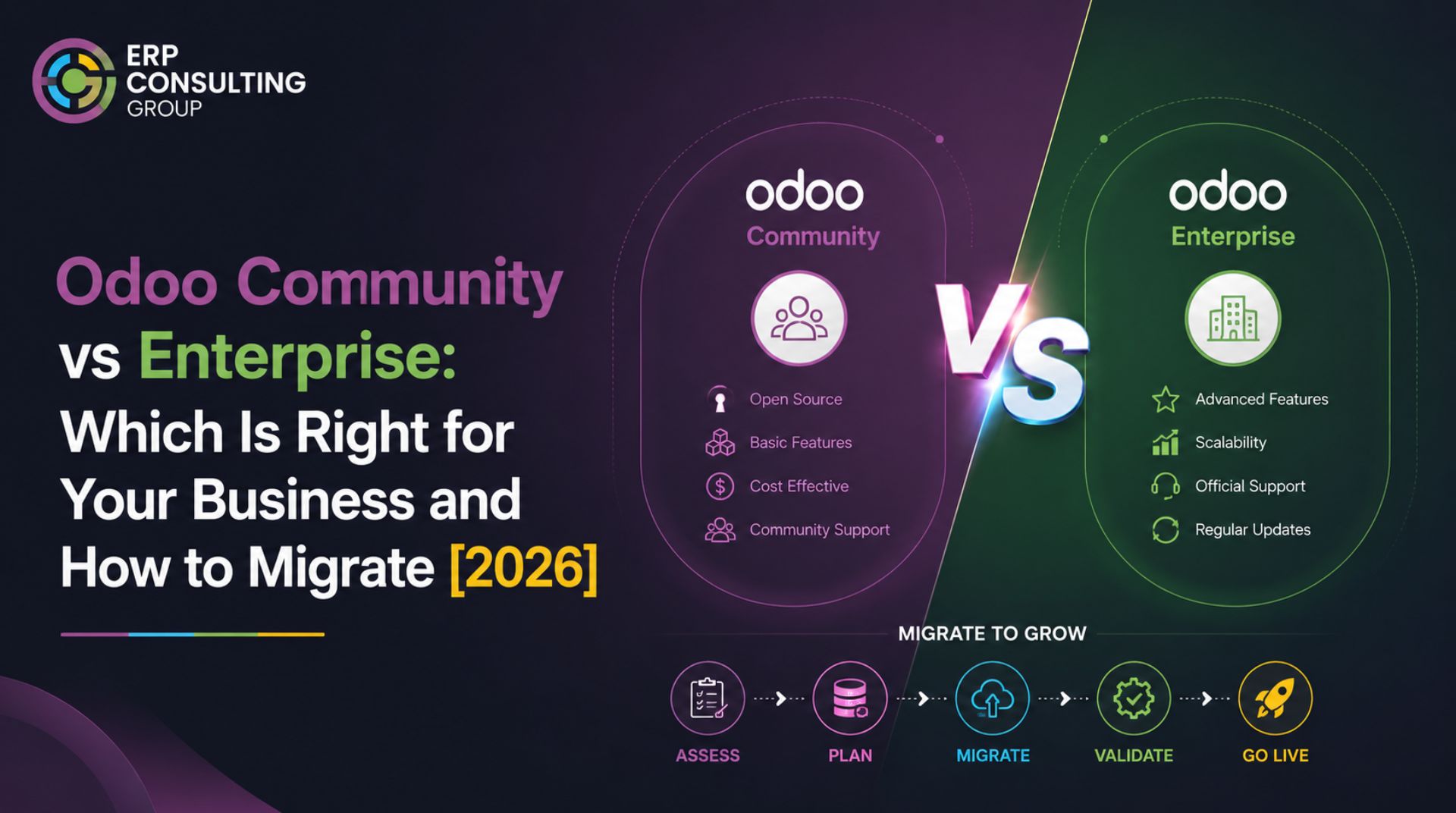
The Question Most Businesses Get Wrong
When businesses evaluate Odoo, the Community vs Enterprise decision is often treated as a cost question. Community is free, Enterprise is not, so smaller businesses go Community, and larger ones go Enterprise. That logic is too simple and frequently leads to the wrong choice.
The right question is not 'what can we afford?' It is what will this decision cost us in three years? A business on Community that needs five third-party modules to replace Enterprise functionality may be paying more than Enterprise would have cost while also carrying more maintenance risk.
This article breaks down the actual differences, the scenarios where each edition fits, and what the migration between them involves.
What Community and Enterprise Actually Are
Odoo Community is the open-source edition. The source code is publicly available, there are no licensing fees, and you can host it anywhere. However, Community does not include all of Odoo's modules; a significant portion of the product is Enterprise-only.
Odoo Enterprise is the licensed edition. You pay a per-user fee annually, which includes hosting on Odoo.sh, access to the full module set, and official support from Odoo SA.
What Enterprise includes that Community does not
- Accounting for the full accounting module with bank synchronisation, SEPA payments, and localisation features
- Helpdesk - native customer support ticketing
- Field Service - for businesses with on-site service teams
- Studio - the no-code customisation interface for building views and reports without development
- Sign - electronic document signing
- Marketing Automation - multi-step campaign workflows
- Quality - quality control integrated with manufacturing
- Barcode - advanced barcode scanning for inventory and manufacturing
- Consolidation - for multi-company financial consolidation
- Advanced reporting - many of Odoo's more powerful reporting views are Enterprise-only
Note: The Community accounting module exists but is substantially less capable than Enterprise accounting. Businesses with meaningful accounting requirements almost always need Enterprise for this reason alone.
When Community Is the Right Choice
Community makes sense in specific circumstances, not as a default.
- Your business is in an early stage, and your processes are simple enough that standard Community modules cover everything you need
- You have internal development capacity to build and maintain custom modules where Enterprise features would otherwise be needed
- You are using Odoo primarily for CRM, sales, and project management areas, where Community is fully capable
- Your accounting requirements are handled by a separate system, and Odoo is not your financial book of record
- You have specific compliance or sovereignty requirements that mean you cannot use Odoo.sh or third-party hosting
Community becomes the wrong choice when the list of third-party modules you are buying to replace Enterprise features starts to grow. Each third-party module is a separate maintenance dependency it needs to be updated with each Odoo version, may break on an Odoo update, and may not have a migration path to future versions.
When Enterprise Is the Right Choice
- Your business uses accounting as a primary function and needs features like bank synchronisation, payment terms, multi-currency, or country-specific localisation
- You want Odoo Studio - the ability for non-developers to customise views and create reports
- You are replacing multiple existing systems with Odoo and need the full module set to cover all the replaced functionality
- You need support from Odoo SA - Community does not include official support
- You are in manufacturing and need the Quality module or advanced barcode functionality
- You want to use Odoo.sh for hosting - this requires Enterprise
Enterprise's value is highest when you are using a wide range of Odoo's modules. If you are only using sales, CRM, and project, and your team does not need Studio, the Enterprise cost may not be justified.
The Real Cost Comparison
The Enterprise vs Community cost comparison is not as simple as 'zero versus licence fee.' There are real costs on both sides.
Cost Factor | Community | Enterprise |
Licence fee | None | Per user annually |
Hosting | Self-managed VPS or cloud | Included on Odoo.sh (or self-managed) |
Official support | None - community forums only | Included |
Third-party modules (to replace Enterprise features) | Can be significant - each module adds cost | Mostly not needed |
Studio (no-code customisation) | Not available - requires development | Included |
Developer cost for feature gaps | Higher - gaps filled by development | Lower - more built-in coverage |
Migration cost per version | Similar to Enterprise | Similar to Community |
The businesses where we see Community cost exceed Enterprise cost are those that have bought three or more third-party modules annually to fill feature gaps and then paid for custom development on top of that.
Migrating from Community to Enterprise
If you have decided to move from Community to Enterprise, whether as part of a version upgrade or as a standalone change, here is what that migration involves.
The technical process
Community and Enterprise share the same core database schema. The migration is not a full rebuild; it is a module activation and data extension process.
- Your existing Community database is taken as the starting point
- Enterprise modules are installed on top of the existing data accounting, Studio, helpdesk, and others, as applicable
- Where Enterprise modules introduce new data models or extend existing ones, the existing data is mapped into the extended schema
- Third-party modules that were filling Enterprise feature gaps are evaluated: retired if the Enterprise version covers the need, or kept if they add something beyond what Enterprise provides
- Configuration is done for Enterprise-specific features, the chart of accounts, localisation settings, and bank connections
Data considerations
The most sensitive area in a Community to Enterprise migration is accounting. If you have been using the Community accounting module, the data structures are partially compatible with Enterprise accounting, but not fully. Bank reconciliation history, payment terms configurations, and some journal entry structures may need transformation.
If you have been using a separate accounting system and importing data into Odoo, the migration is simpler - you are activating Enterprise accounting fresh rather than converting from Community accounting.
How long does Community to Enterprise migration take
- Simple migration adding Enterprise modules to a relatively standard Community setup: 2 to 4 weeks
- Migration involving accounting conversion - Community accounting to Enterprise accounting with historical data: 4 to 8 weeks
- Migration combined with a version upgrade - Community on an older version upgrading to Enterprise on a newer version: follow the version migration timeline plus 2 to 3 weeks
Migrating from Enterprise to Community
This is less common but happens - typically when a business has reduced in scale and the per-user Enterprise cost no longer makes sense, or when internal development capacity has grown enough to maintain a Community setup independently.
The technical challenge of Enterprise to Community is more significant than the reverse. Community does not include all Enterprise modules. Data that lives in Enterprise-only models, helpdesk tickets, quality records, Studio customisations has no home in Community. That data either needs to be exported separately, lost, or the modules need to be replaced with third-party equivalents.
Before switching to Community: Map every module you currently use in Enterprise and confirm either a Community equivalent exists, or you are comfortable losing that functionality. Do this before starting the migration, not during.
How This Decision Connects to Your Version Migration
If you are already planning a version migration - from Odoo 14 or 15 to a newer version - combining the edition switch with the version migration makes sense. The environments are being rebuilt anyway, the data is being transformed anyway, and adding an edition change adds incremental scope rather than a full separate project.
If you are not already planning a version migration and the only driver is the edition switch, evaluate whether the benefits justify the disruption on its own timeline.
Understanding how version migration works before you combine it with an edition switch will help you plan accurately. The full migration process is covered in: How Odoo Migration Works: A Step-by-Step Guide.
Not Sure Which Edition Fits Your Business?
ERP Consulting Group can walk you through the feature comparison against your actual workflows and help you make the right decision before you commit. erpconsulting24.com/contact

 Recent Posts


 Free Consultation