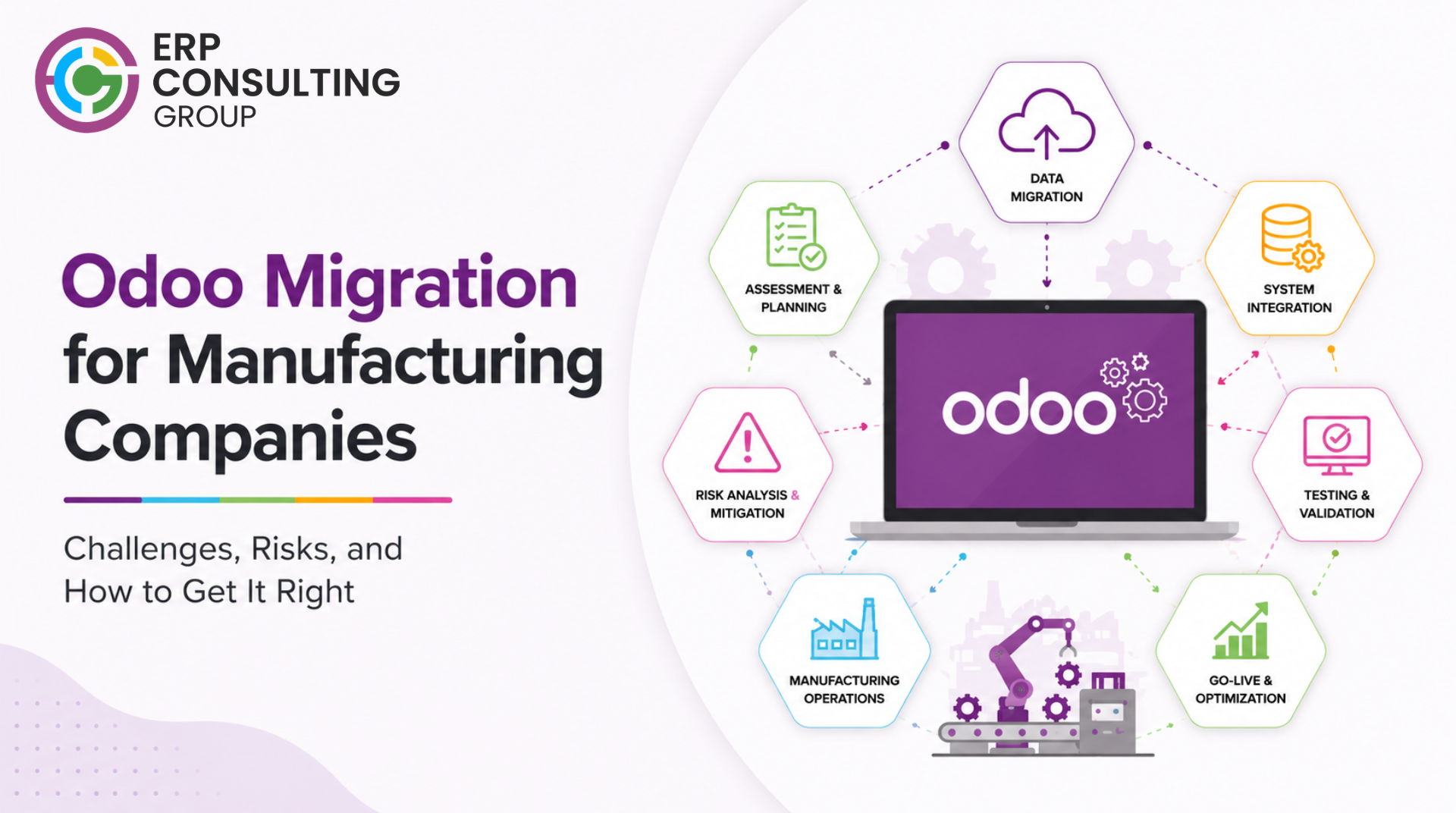
Why Manufacturing Migration Is a Different Problem
A trading company migrating Odoo is a complex project. A manufacturing company migrating Odoo is a significantly more complex project.
Manufacturing in Odoo involves deep interdependencies: bills of materials connect to products, which connect to work centres, which connect to routings, which connect to production orders, which connect to stock moves and accounting entries. When any part of this chain transforms during migration, the effects ripple across the rest.
This blog covers the manufacturing-specific challenges that do not appear in generic migration guides - and how to handle them without disrupting production.
What Changes Between Odoo Versions in Manufacturing
Each major Odoo version has changed the manufacturing module in meaningful ways. Understanding what changed between your current version and your target version determines how much work the migration involves.
Changes across major versions that affect manufacturing
- Work centres: The work centre model has been extended significantly across versions - capacity planning, OEE tracking, and scheduling logic have all changed. Work centre configurations that existed in Odoo 14 require review in Odoo 17 and beyond.
- Bills of materials: BoM versioning, byproduct handling, and component availability rules have changed between versions. BoMs that worked without issue in older versions may behave differently in newer ones.
- Production orders: The production order workflow, specifically the relationship between manufacturing orders, work orders, and stock moves, has been restructured. Open production orders at the time of migration need careful handling.
- Routing and operations: Routing has been separated from the BoM in some versions and reintegrated differently in others. If your manufacturing relies heavily on routing, this needs dedicated testing.
- Quality module: Quality checks integrated with production are an Enterprise-only feature. If you are on Community and moving to Enterprise, this adds a new layer of data configuration.
The Data Challenges Specific to Manufacturing
Manufacturing businesses carry data types that other businesses do not, and each one presents specific migration risks.
Bills of materials
BoMs are often the most complex structured data in an Odoo manufacturing instance. A single BoM may reference ten to fifty components, each with their own unit of measure, sourcing routes, and cost. Across hundreds or thousands of products, the BoM dataset is large and deeply interconnected.
The migration risk: a component referenced in a BoM that does not migrate cleanly breaks every BoM that includes it. This cascades - broken BoMs break production order creation, which blocks manufacturing scheduling.
Before migration, every BoM should be audited: components exist and are active, units of measure are consistent, and there are no orphaned references to deleted products.
Lot and serial number traceability
If your manufacturing uses lot or serial number tracking, this data is among the most sensitive in the migration. Every lot needs to map correctly to its product, its stock location, and its movement history. Partial lot data, a lot that exists in inventory but whose movement history did not migrate, creates reconciliation problems that are extremely difficult to resolve post-migration.
The movement history for lots should be validated after migration by comparing stock valuations and quantities in the new system against a point-in-time export from the old system.
Open production orders at cut-over
One of the most operationally sensitive questions in manufacturing migration is: what happens to production orders that are in progress when you cut over?
There are three approaches, each with trade-offs:
- Complete all open orders before cut-over: Ideal but often not possible. Requires a production freeze of days or weeks before go-live.
- Migrate open orders and continue in the new system: Technically possible, but requires that all components, routings, and work orders migrate correctly. Requires intensive testing of in-progress order states.
- Close all open orders at cut-over and re-open manually in the new system: Creates a clean break but requires manual work and may affect cost accounting if orders are closed before their actual completion.
The right approach depends on your production cycle length, the number of open orders at cut-over, and how complex those orders are. This decision should be made during the planning phase, not on migration day.
Work in progress (WIP) valuation
Manufacturing businesses often have significant WIP inventory - components consumed in production orders that are not yet finished goods. The WIP valuation at cut-over needs to be captured in the old system and recreated correctly in the new one.
If WIP is not handled correctly, your stock valuation in the new system will be wrong from day one, which creates problems for cost accounting and financial reporting that become progressively harder to untangle.
Common Manufacturing Migration Failures
What Was Missed | What Happened | How Long to Fix |
BoM component audit skipped | 437 BoMs broken due to 12 deleted components not caught before migration | 3 weeks manual correction |
Lot traceability not validated | Stock quantities correct but movement history incomplete - audit trail broken | Unable to fully reconstruct |
Open orders migrated without testing | Work orders in 'in progress' state could not be completed in new version workflow blocked | Emergency patch, 4 days lost |
WIP valuation not captured | Stock valuation off by significant amount at month-end close - two months to reconcile | 2 months of accounting work |
Quality checks not configured post-migration | Production orders completing without required quality gates - compliance risk | Quality process paused until fixed |
How to Approach Manufacturing Migration Testing
Manufacturing workflows require a testing approach that goes beyond the standard end-to-end workflow tests used for simpler businesses.
Manufacturing-specific test scenarios
- Create a production order from a BoM - confirm all components are correctly pulled, routing applies correctly, and work orders are generated.
- Record work order completion with labour time - confirm cost calculation is correct and the accounting entry is generated.
- Complete a production order - confirm finished goods stock is updated, component stock is reduced, and the production journal entry is correct.
- Process a production order with scrap - confirm scrap is recorded, the scrap journal entry is correct, and the production cost is adjusted.
- Test a manufacturing order that uses serial-tracked components - confirm serial numbers can be assigned at the point of consumption.
- Run a lot traceability report on a product that was received before migration - confirm the historical movement data is accessible.
- Test the quality check workflow if applicable - confirm that quality gates block production progression until checks are completed.
Testing principle: Test with real product data from your actual BoMs - not simplified test products. The problems that surface in manufacturing testing almost always come from the complexity of real products, not theoretical edge cases.
Manufacturing-Specific Go-Live Considerations
Scheduling your go-live around production
For manufacturing businesses, go-live timing is constrained in ways that trading or service businesses are not. You need a window where production can absorb the cut-over.
- Avoid going live in the middle of a large production run - the open order problem is more complex with many in-progress orders
- Align go-live with a natural production break if possible, end of a week, end of a shift, or end of a production batch
- Communicate the cut-over timeline to the production floor well in advance - people on the shop floor need to know what system they are using and when
The first week of live manufacturing
The first production orders created in the new system will be closely watched. Have someone with deep Odoo manufacturing knowledge available during the first day of live production - not just on call, but present.
The scenarios most likely to surface in the first week: a BoM that behaved correctly in testing but behaves differently with real order quantities, a work centre that has configuration differences from the test environment, or a quality check that the test data did not trigger, but a real order does.
If You Are Also Upgrading to Odoo 19
Odoo 19 introduced changes to the manufacturing scheduler and work centre capacity model. If you are a manufacturing business planning to migrate directly to Odoo 19, these changes are relevant to your planning.
The manufacturing-relevant features in Odoo 19 and the upgrade ROI case are covered in: Why Upgrade to Odoo 19? Key Features, Benefits, and Migration ROI
Before starting any manufacturing migration, work through the full migration checklist: Odoo 19 Migration Checklist: Best Practices for a Risk-Free Upgrade
Manufacturing Migration Requires the Right Expertise
ERP Consulting Group has hands-on experience migrating Odoo for manufacturing businesses. Get a scope assessment before you start. erpconsulting24.com/contact

 Recent Posts


 Free Consultation